

Exchanges and Upcoming Outcomes
Beyond a standard refund, ShipBob Returns currently supports exchanges (a different product or variant). Replacements and store credit are planned but not available yet.
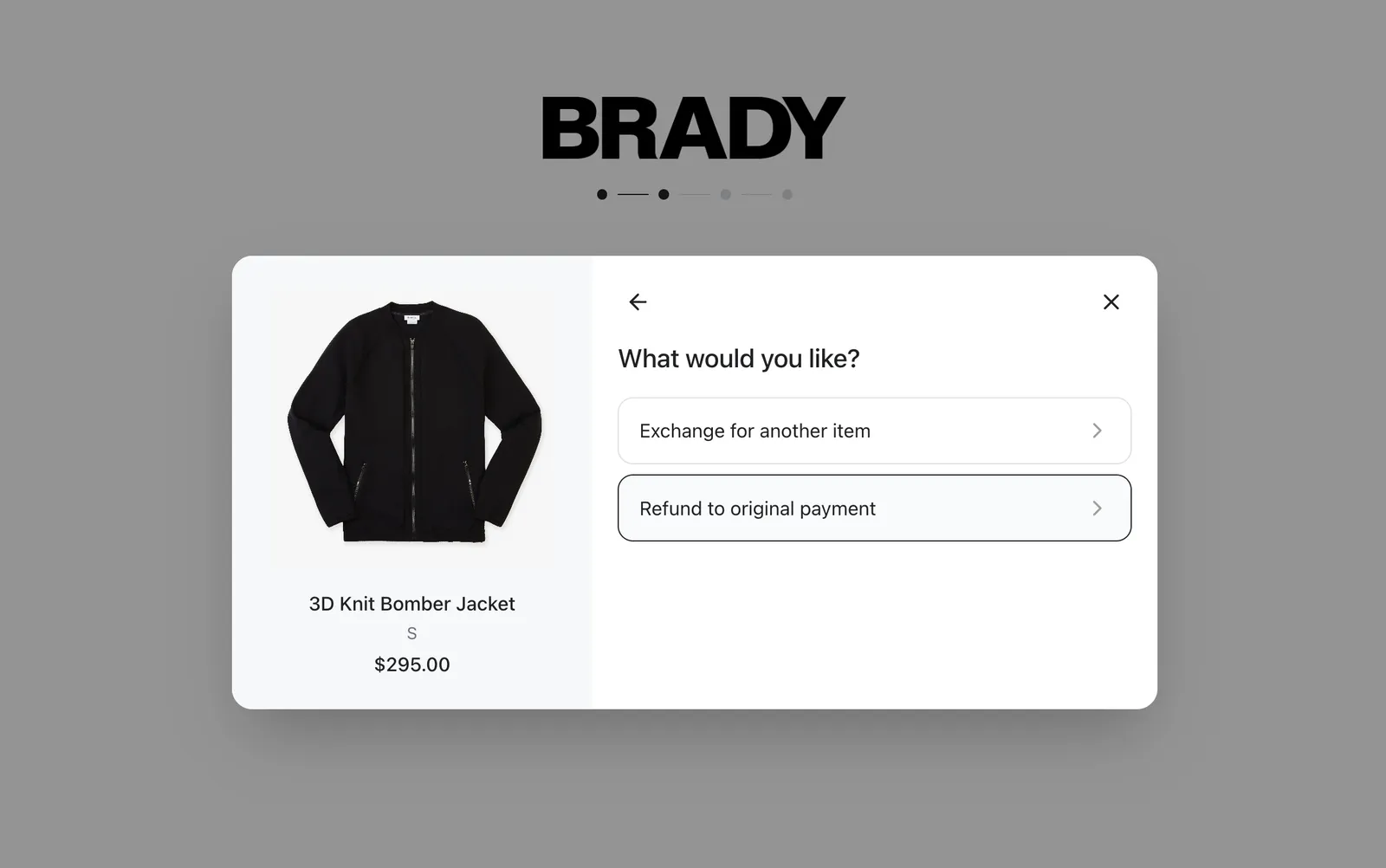
Exchanges
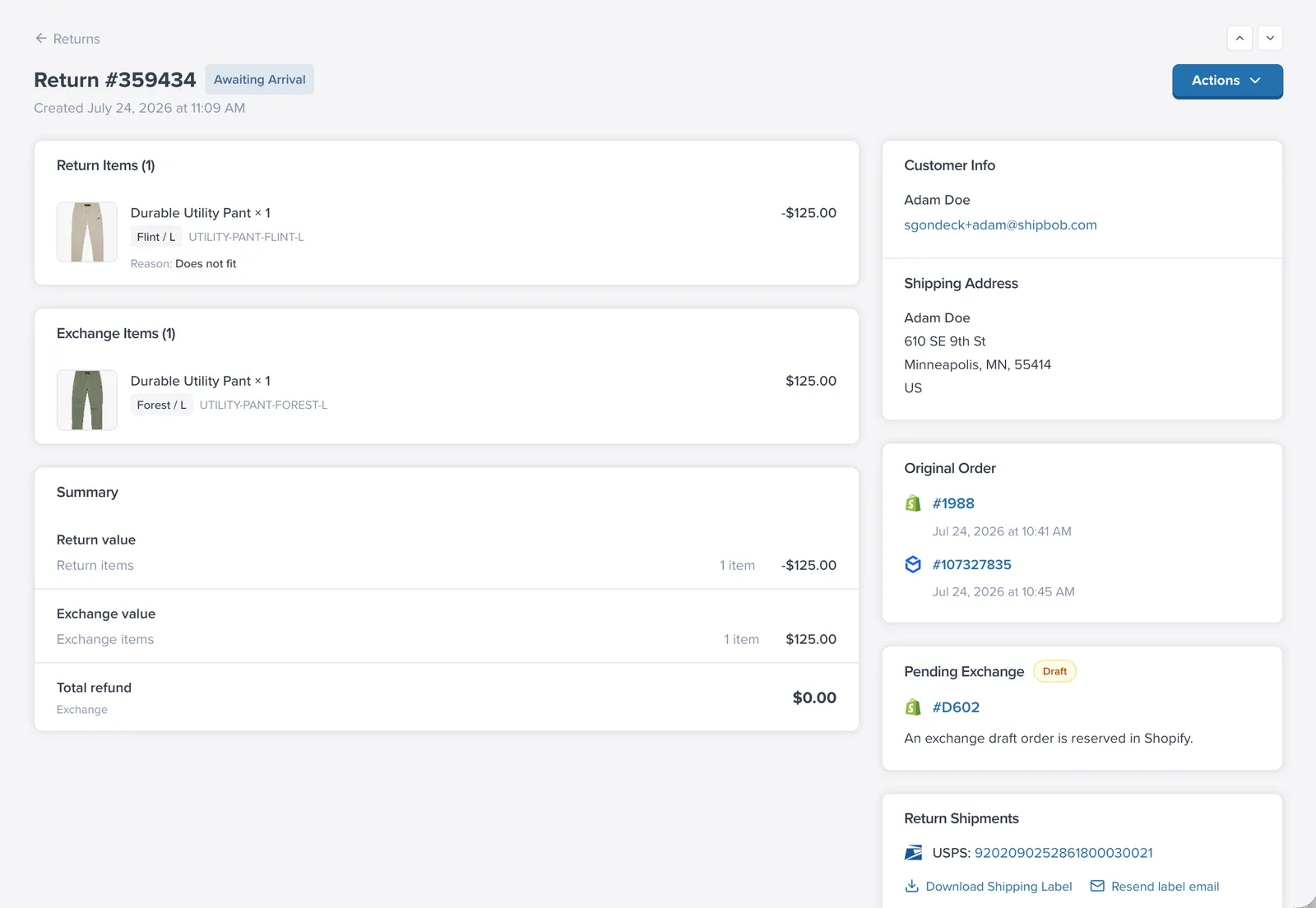
An exchange lets the customer swap the returned item for a different variant or a different product.
How it works behind the scenes:
- When the customer submits an exchange, ShipBob Returns creates a draft order in Shopify for the new items. Nothing ships yet — the draft simply holds the exchange.
- When the return reaches the configured milestone (by default when the return completes, i.e. the original items made it back), the draft is converted into a real Shopify order, which flows to fulfillment like any other order.
- If the return is cancelled or rejected, the draft order is deleted automatically — no accidental shipments.
Price differences: if the new item costs more than the returned one, the customer sees a Price difference to pay on the review step and receives a Shopify invoice link to pay the balance. If the new item costs less, the difference is handled as part of the refund settlement.
What the customer sees: a variant/product picker in the portal (Exchange for another item), the price difference if any, and — on the return status page — an Exchange for section listing the items they will receive.
Replacements (“Send me a replacement”)
Store Credit
For deduction behavior and settlement timing, see Refunds, Fees & Deductions.
Blocking Outcomes with Flows
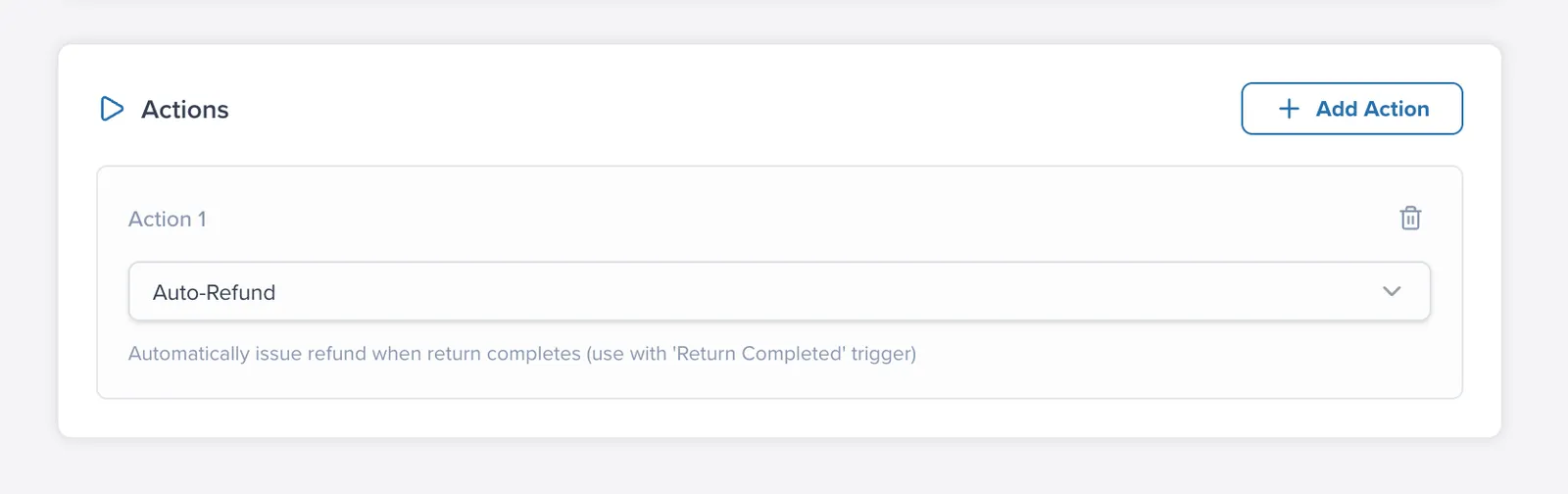
Sometimes an outcome should not be available for a particular product, reason, or customer. Use the Block Exchange and Block Refund flow actions to remove an option conditionally — for example:
- Block exchanges on final-run products you no longer stock.
- Block cash refunds for a specific SKU or category, steering customers toward exchange.
Blocked options simply do not appear for the customer in the portal. See Automate Returns with Flows for how conditions and priorities work.
Quick Comparison
FAQ
Are replacement and store credit available now?
No. Replacement and store credit are planned but not currently available in ShipBob Returns.
When does an exchange actually ship?
A Shopify draft order is created at submission and converted to a live order when the return reaches your configured fulfillment milestone.
Can I hide exchange or refund options for specific cases?
Yes. Use flow actions like Block Exchange or Block Refund so options are removed conditionally by SKU, reason, customer, or other criteria.